
Runway ML Complete Guide: How to Make AI Videos in 2026
Runway Gen-4 is the most flexible AI video tool in 2026. Here's how to use every major feature, from text-to-video to motion brush.
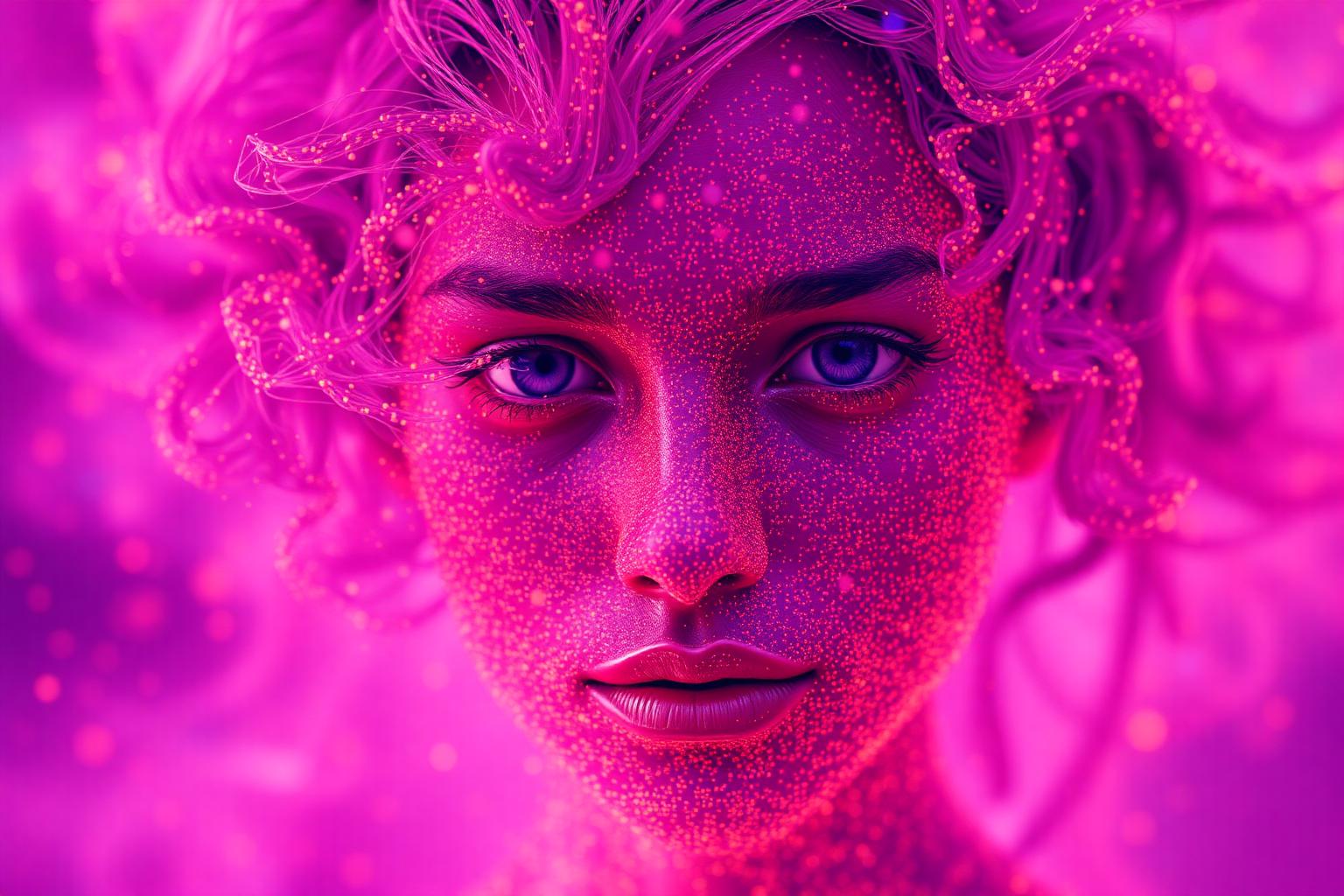
Runway ML is the most feature-complete AI video platform in 2026. While Sora gets the headlines, Runway gives you the directorial controls professionals actually need. Here's how to use it.
Gen-4 text-to-video. Type a prompt, pick aspect ratio, get a 5-10 second clip. Quality is genuinely cinematic. Pro tip: prompt like a director — specify camera moves, lens, lighting, mood.
Image-to-video. Upload a still image, describe how it should move. The model preserves your image's style and adds motion. This is the bread-and-butter feature most pros use.
Motion Brush. Paint specific regions of an image and assign motion to just those parts. Make smoke rise from a chimney without moving the rest of the scene. Unique to Runway.
Camera controls. Pan, zoom, dolly, tilt — all selectable from a UI. Far more reliable than describing camera moves in prompts.
Lip sync (Act One). Record yourself acting, apply that performance to an AI-generated character. Excellent for narrative work.
Frames (image gen). Runway also has a strong image generator built in. Generate references in the same app you animate them.
Pricing
Standard $15/mo (gets you started), Pro $35/mo (serious work), Unlimited $95/mo (production studio tier).
Workflow we recommend
generate hero stills with Midjourney → bring to Runway for image-to-video → use Motion Brush for selective motion → export for editing in Premiere or DaVinci. This pipeline now ships actual broadcast-quality short content.
Related Stories
View all in AI →



مواضيع مقترحة · Suggested Topics
استكشف مواضيع ومحاور ذات صلة بهذا المقال — روابط داخلية لتعميق قراءتك.
The Daily Pulse
Get the 5 biggest tech stories in your inbox every morning. Free, no spam, unsubscribe anytime.
Join 50,000+ tech professionals reading every day.